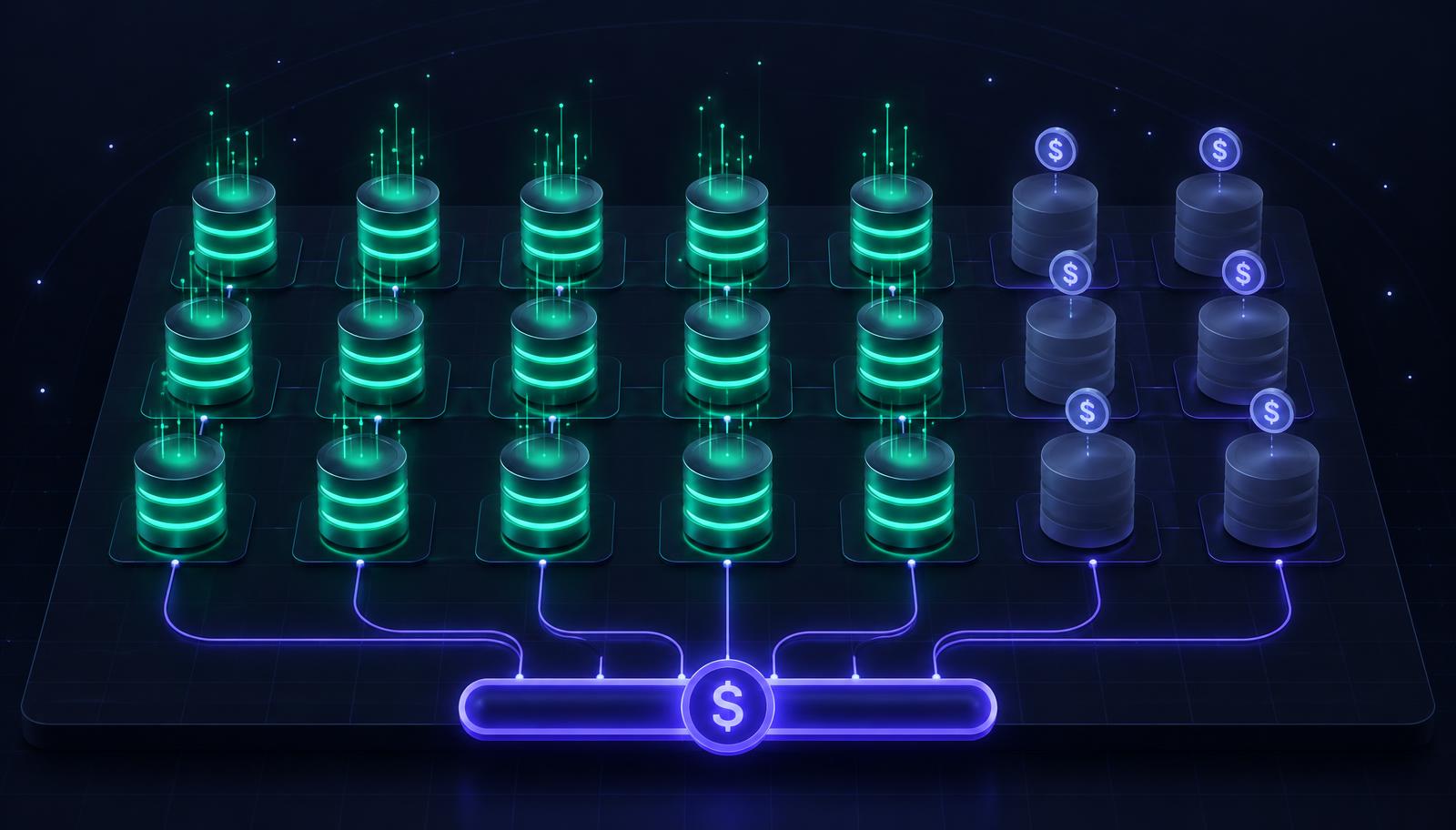
Phantom instances = the licensing cost hiding in plain sight
Every large SQL Server estate has them.
Instances that were provisioned for a project that ended. Instances that were set up for testing and never decommissioned. Instances that handle a workload that was migrated to a new system six months ago but weren't turned off because nobody was certain it was safe to do so.
We call them phantom instances. And in environments with more than 20 SQL Server instances, they typically represent 10–30% of total licensing cost.
How phantom instances appear
Phantom instances don't announce themselves. They appear in dashboards as low-utilization servers, easily dismissed as "probably development" or "light workload." In environments without dedicated DBA coverage, they accumulate quietly over years.
The pattern is predictable. A project requires a SQL Server instance. IT provisions it. The project ends, changes scope, or migrates to a new system. The instance remains because nobody has explicit authority to decommission it without sign-off from the original requestor, who may have left the company. The monitoring tool shows low but non-zero activity, creating enough uncertainty to prevent decommissioning. License costs are paid centrally and not attributed to the team that requested the instance, removing the financial incentive to clean up.
In a 50-instance environment, five to fifteen phantom instances is not unusual. At current SQL Server Enterprise list pricing, each unnecessary 4-core instance represents at minimum $30,000 per year in licensing. Ten phantom instances equals to $300,000 per year.
Why finding them is harder than it sounds
The challenge with phantom instances is not detection. Any monitoring tool can show you instances with low CPU utilization. The challenge is confident identification, distinguishing an instance that is genuinely unused from one that handles infrequent but critical workloads.
An instance used for quarterly reporting might show near-zero activity 89 days out of 90. Decommission it based on three weeks of monitoring data and you've created a serious problem on the 90th day.
Correct phantom instance identification requires: An activity analysis over a sufficient time window, ideally three to six months, to capture all scheduled, seasonal, and on-demand workloads. Connection pattern analysis that distinguishes automated background processes from genuine application traffic. Workload significance assessment that evaluates not just whether activity occurs but whether it represents irreplaceable function.
SQL Governor's capacity management features automate this analysis. The output is not a list of "low utilization instances". It's a categorized assessment of which instances can be safely decommissioned, which can be consolidated onto shared environments, and which require retention at current configuration.
The consolidation opportunity
Beyond outright decommissioning, phantom instance analysis frequently reveals consolidation opportunities. Three instances each running at 15% utilization might safely share a single properly-licensed server. The licensing impact: three separate minimum-four-core instances become one, reducing license requirements from 12 cores to 4.
SQL Governor's consolidation planning handles this automatically, modeling proposed topologies against actual workload data and validating that the consolidated environment meets performance requirements for all constituent workloads, including their peaks.
A practical starting point
If you manage a SQL Server environment of 20 or more instances and have not done a dedicated phantom instance review in the past 12 months, the analysis is almost certainly worth your time.
Start with instances showing less than 10% average CPU utilization over the past 30 days. For each: when was it last accessed by an application? What application? Is that application still in production? Who owns the sign-off for decommissioning?
You'll find answers quickly on some. Others will require investigation. Some will turn out to be genuinely needed. But the exercise typically surfaces significant licensing savings, and more importantly, it gives you specific numbers to bring to the budget conversation.
That conversation tends to go better when you arrive with "we identified eight instances representing $240,000 per year in recoverable licensing cost" than with "I think we might be overprovisioned."

Timo Lindström
CEO, SQL Governor